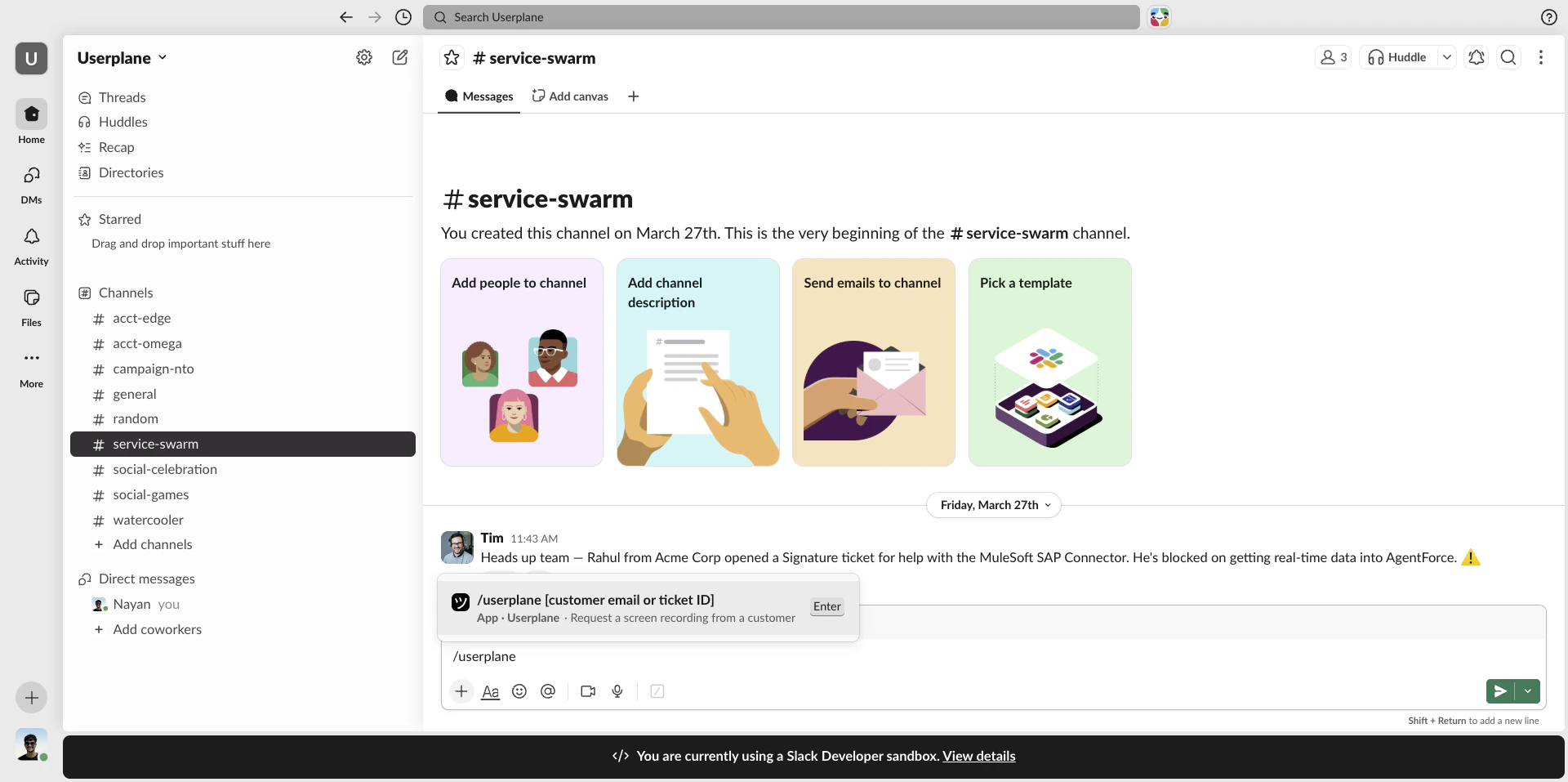
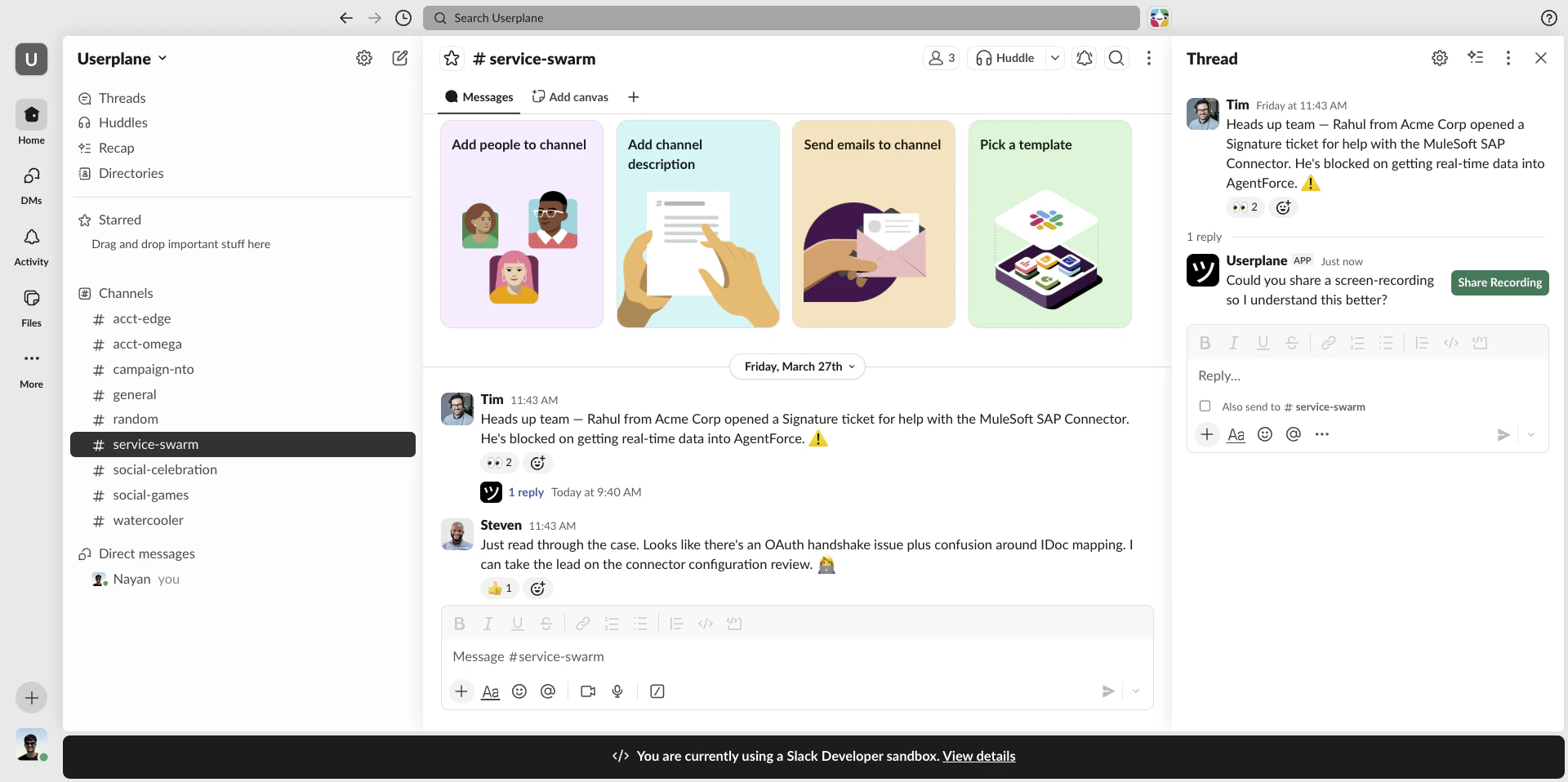
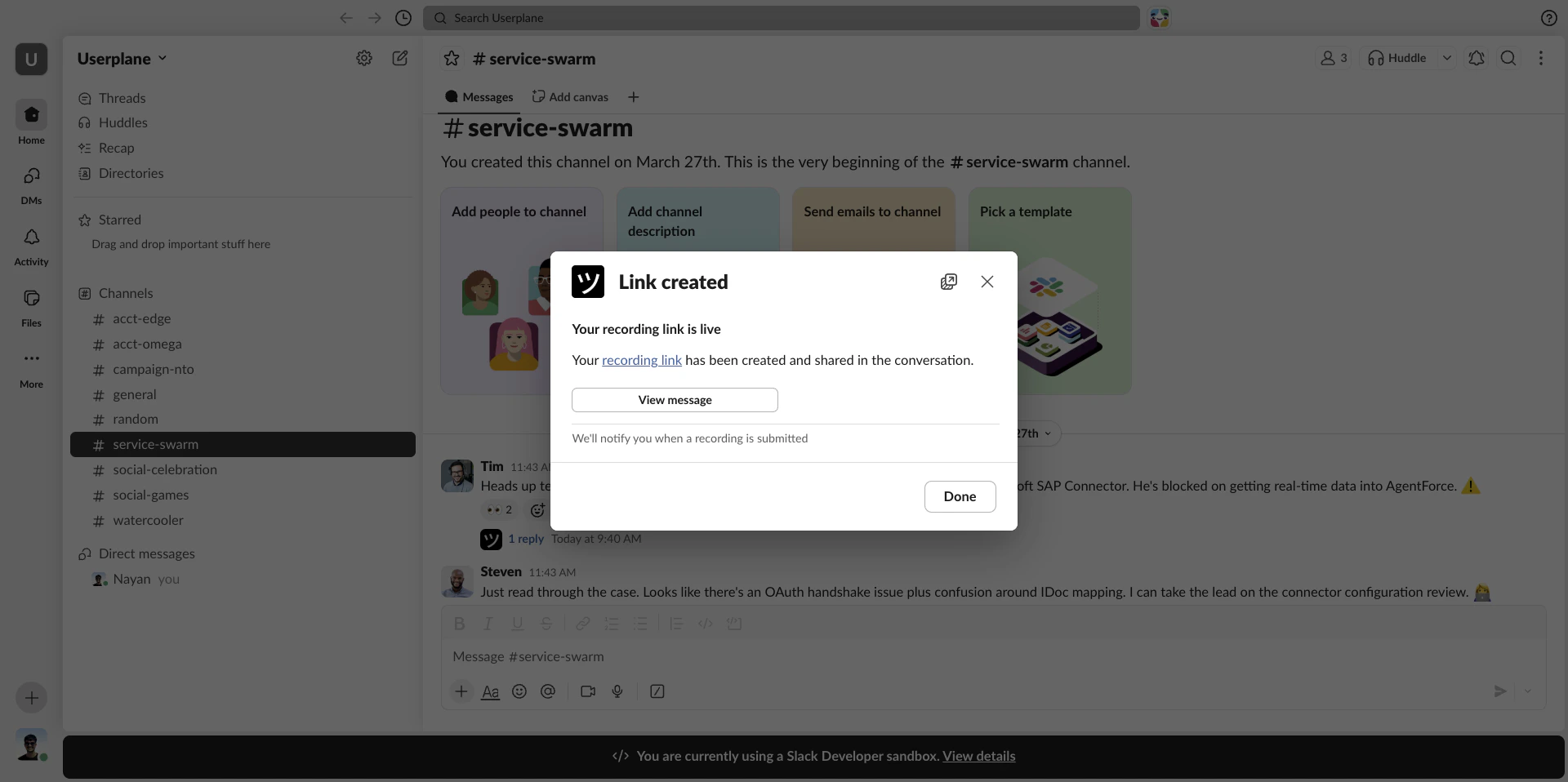
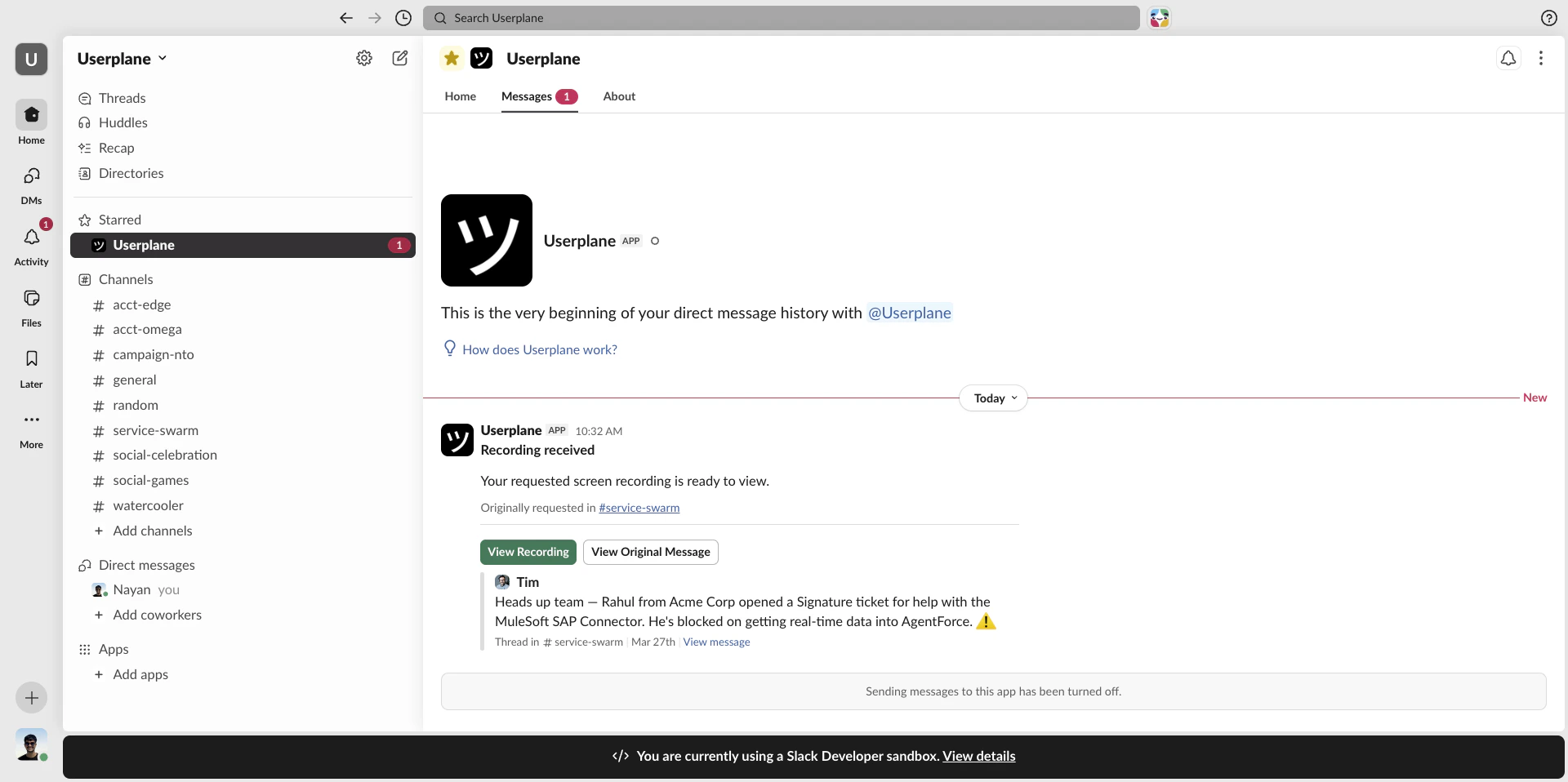
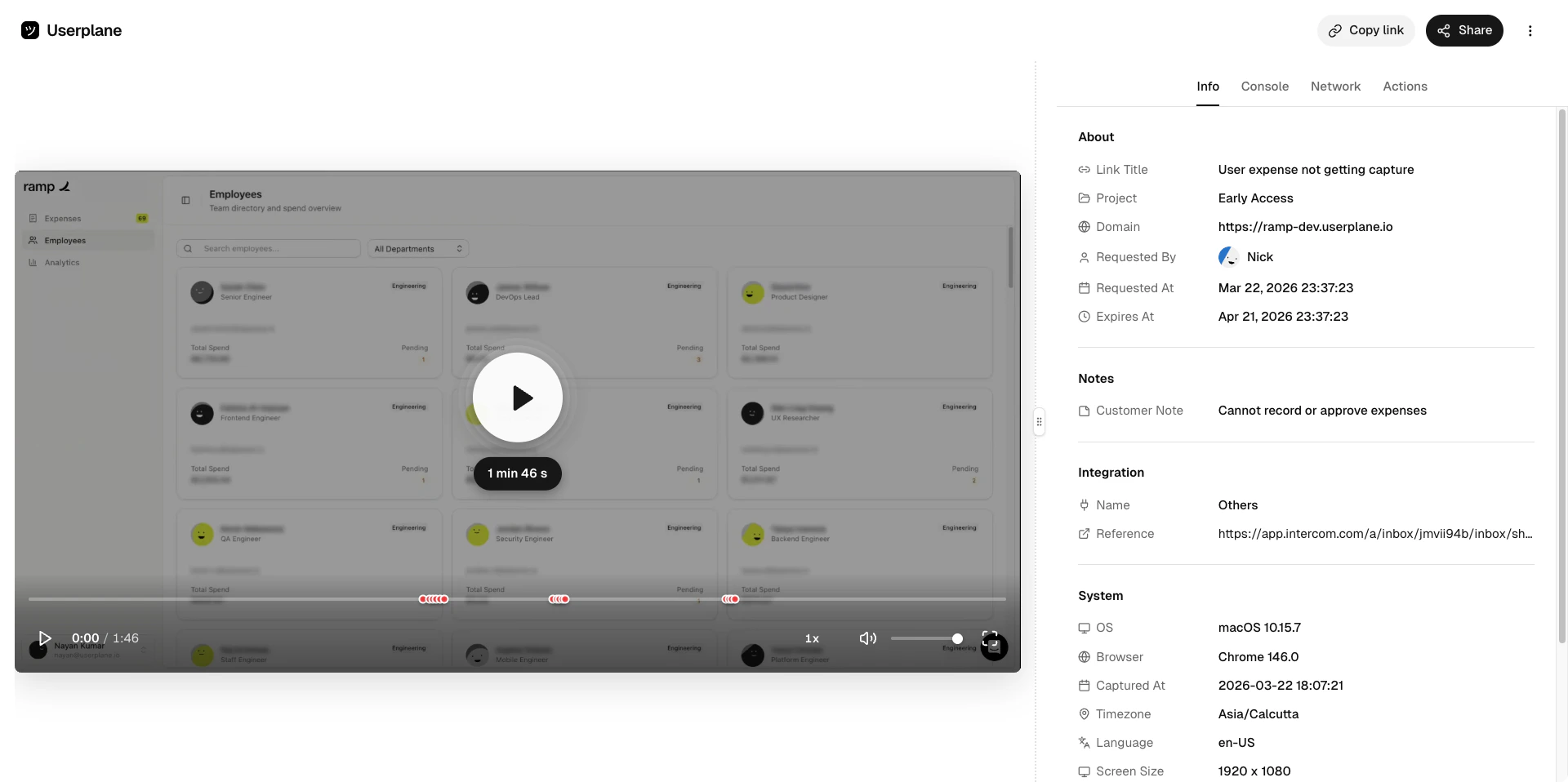
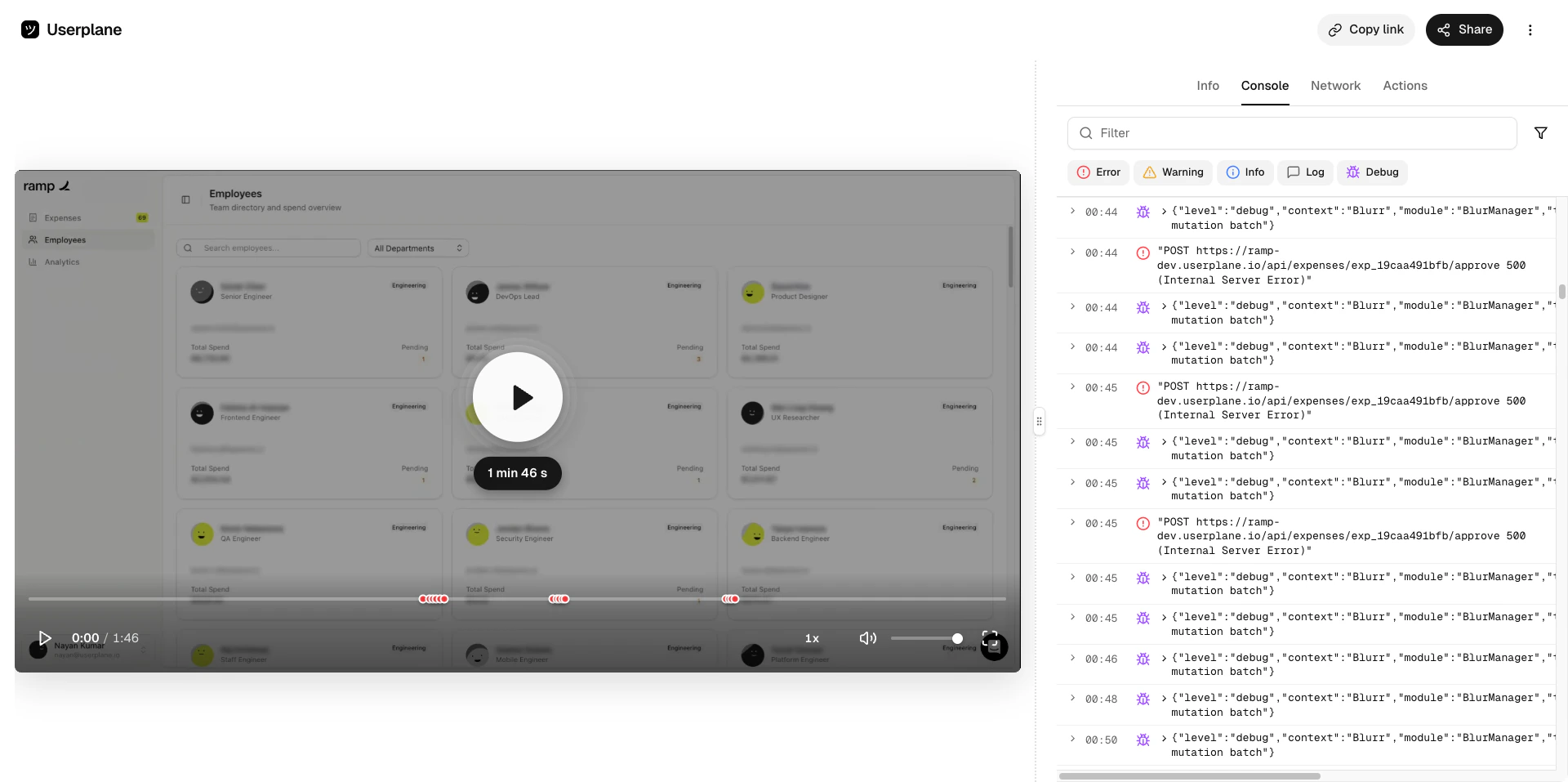
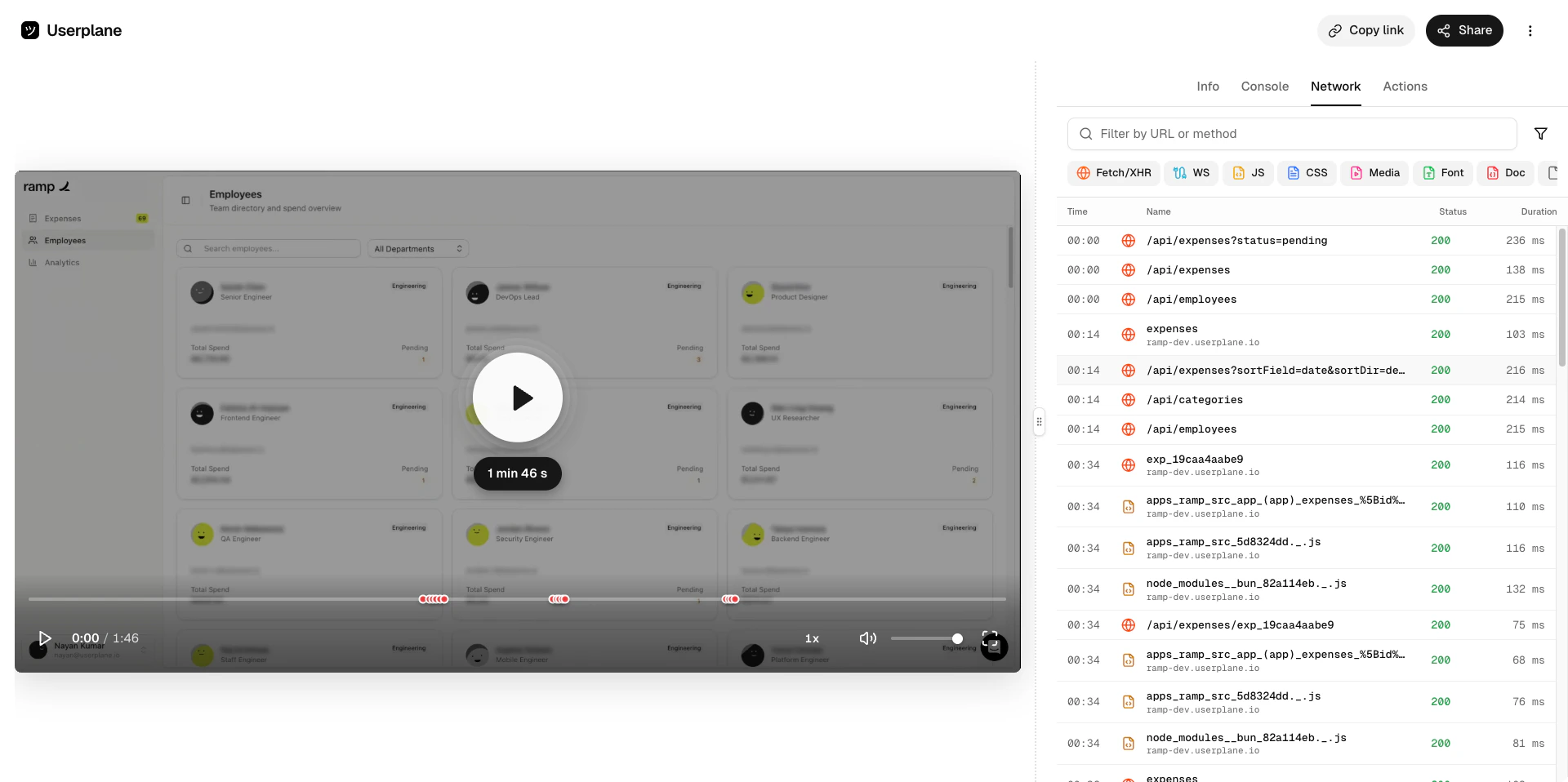
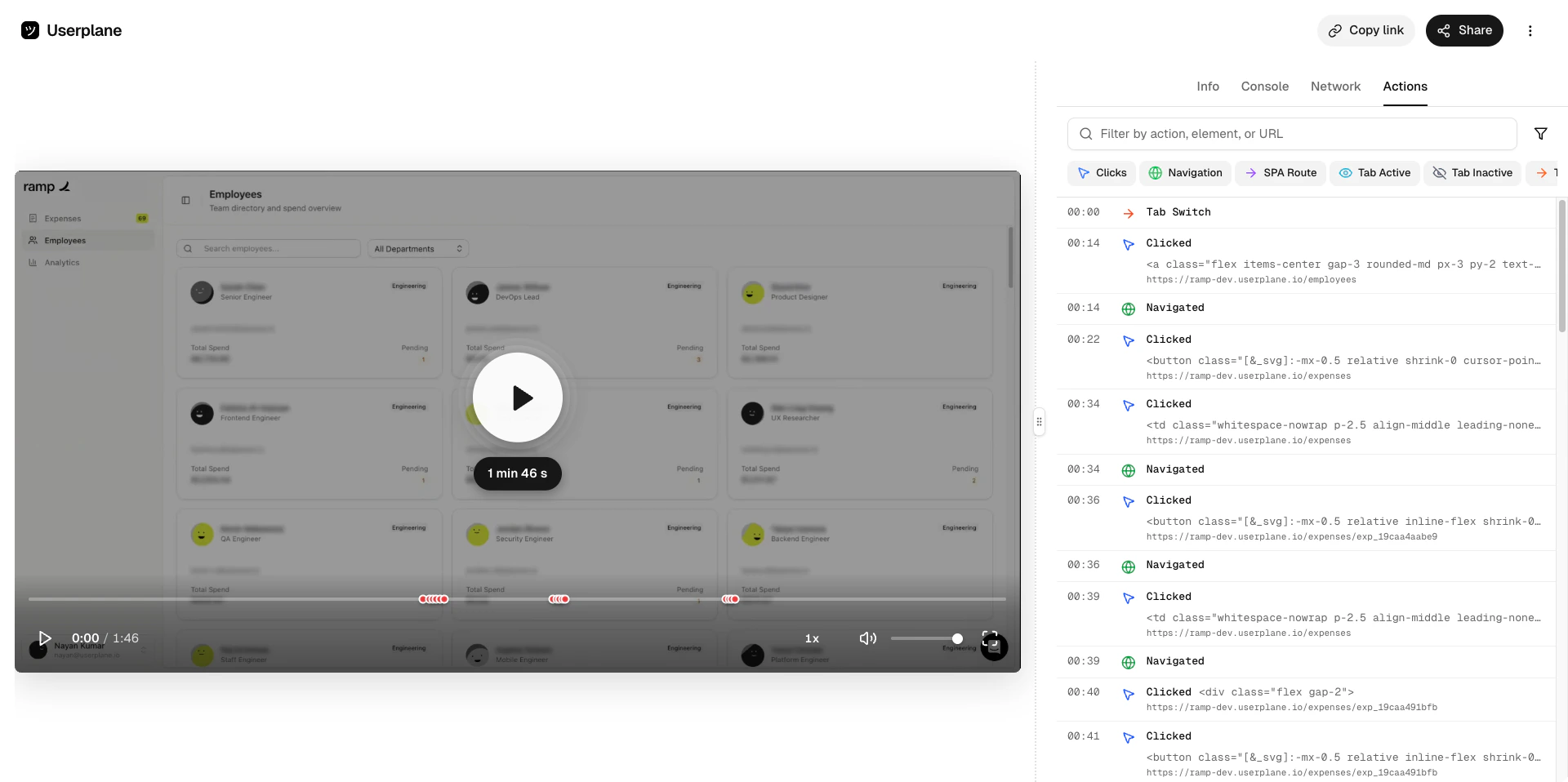
Use /userplane in any Slack channel or DM to create a recording link without leaving the conversation
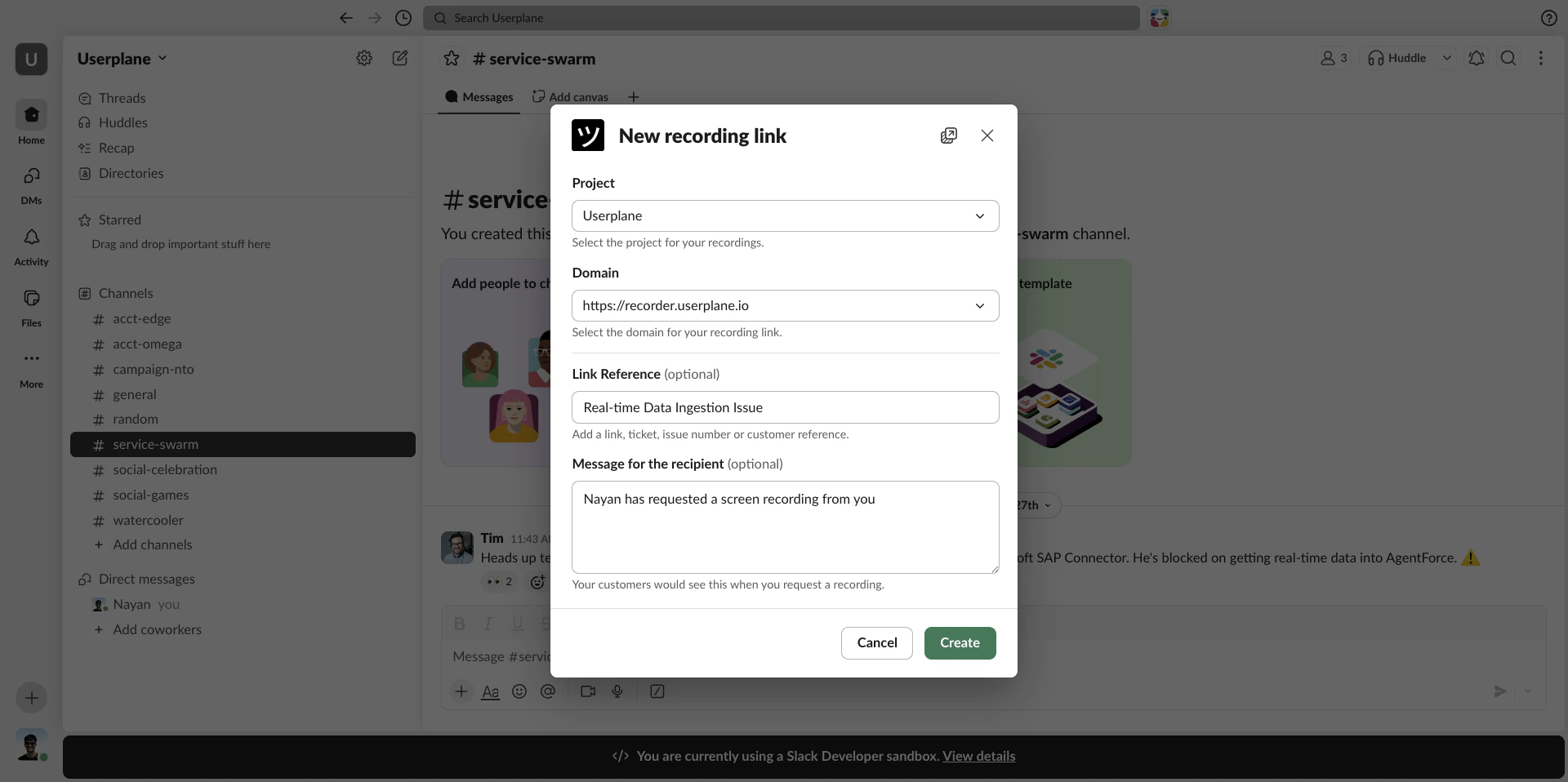
When you connect Slack, the /userplane command is registered in your Slack workspace. Type it in any channel or DM to open a link creation form as a modal — no need to switch tabs or open the Userplane dashboard.
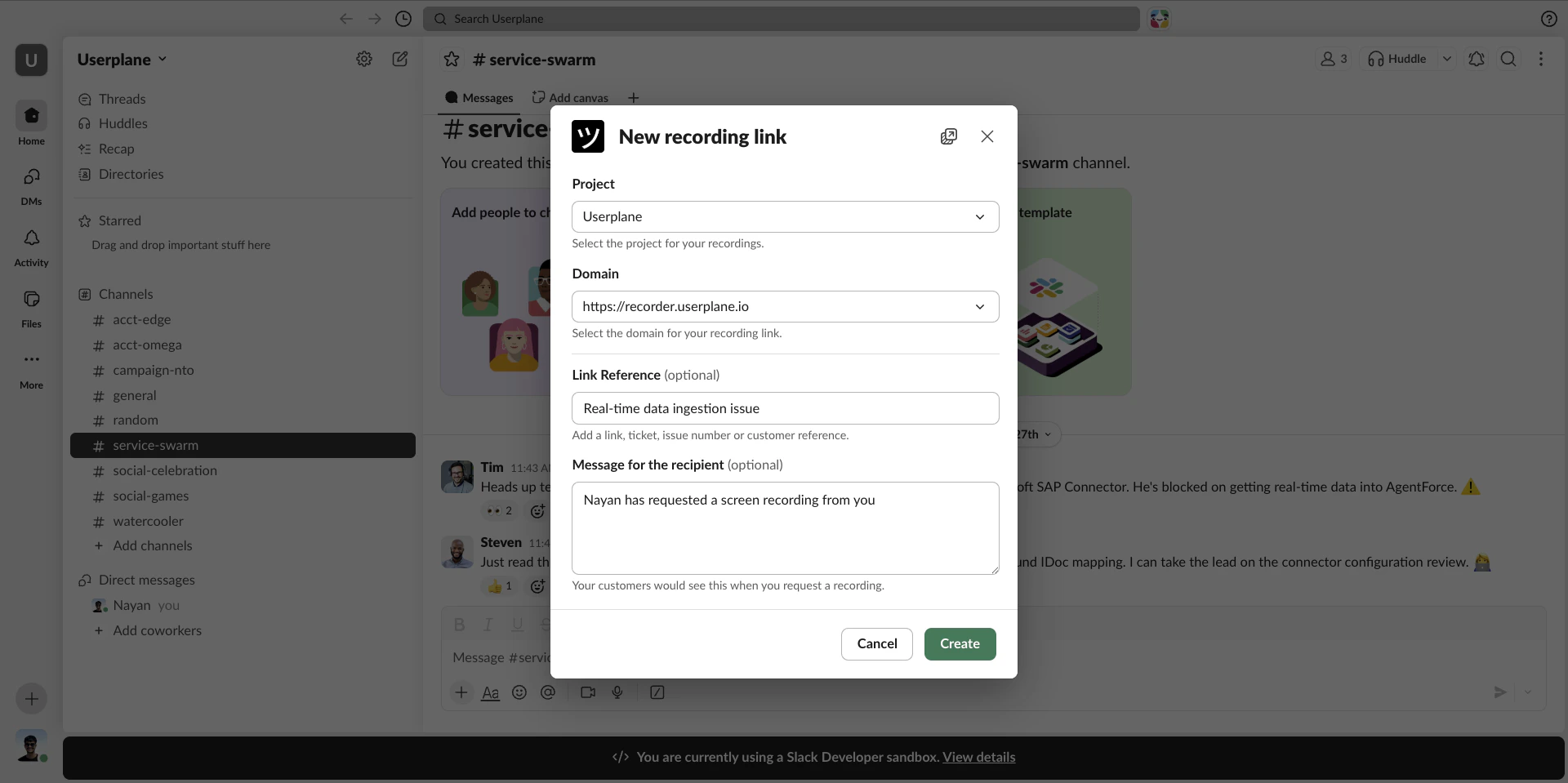
Whatever you type after /userplane appears in the Link Reference field when the modal opens. You can edit it before submitting or leave it as-is.
Link reference pre-filled from command text
This pairs well with ticket workflows — copy the ticket ID from your help desk, type /userplane TICKET-ID, and the reference is already set when the modal opens.