Use the Chrome extension to manage recordings when your help desk isn’t Intercom or Zendesk
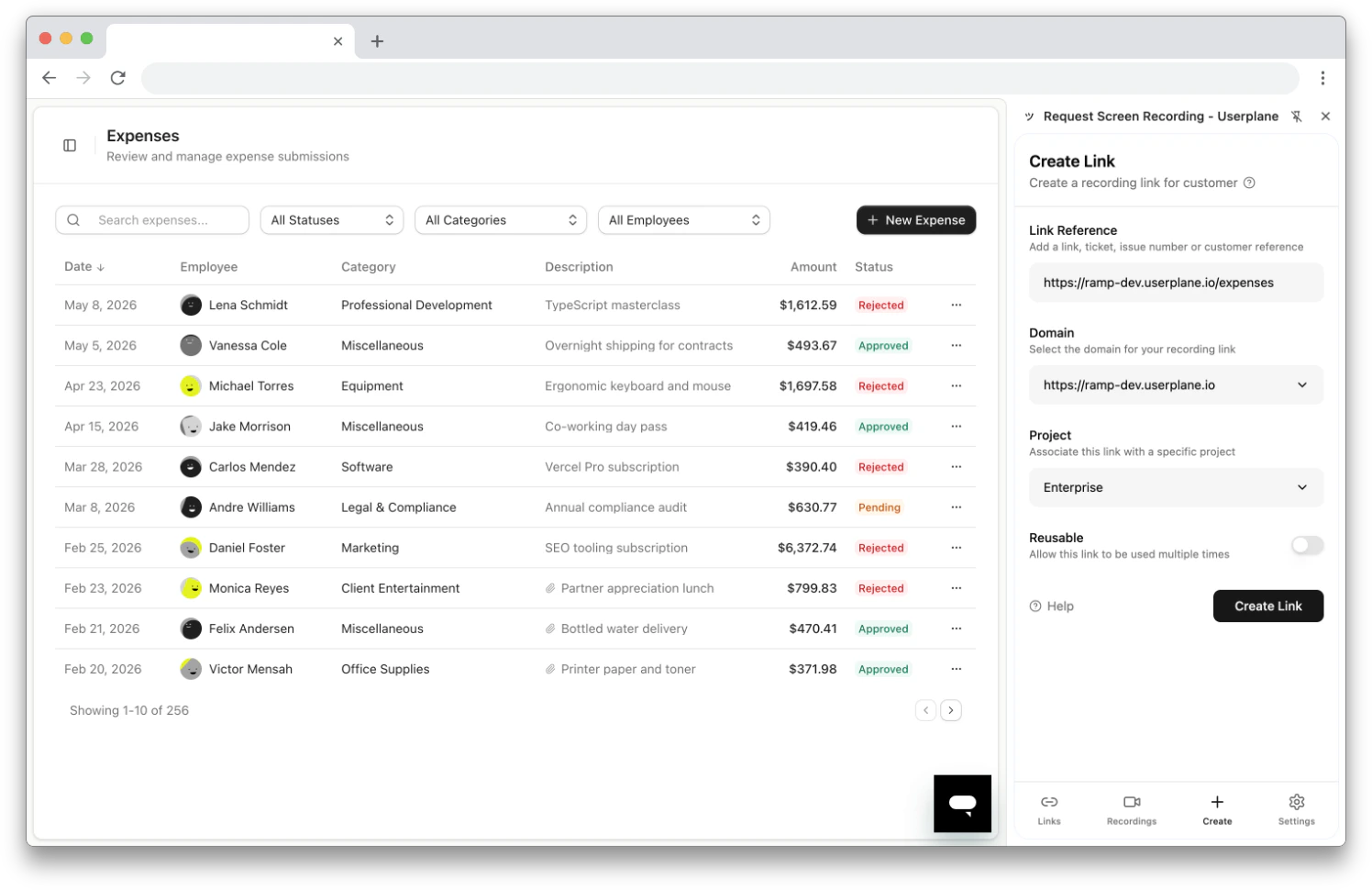
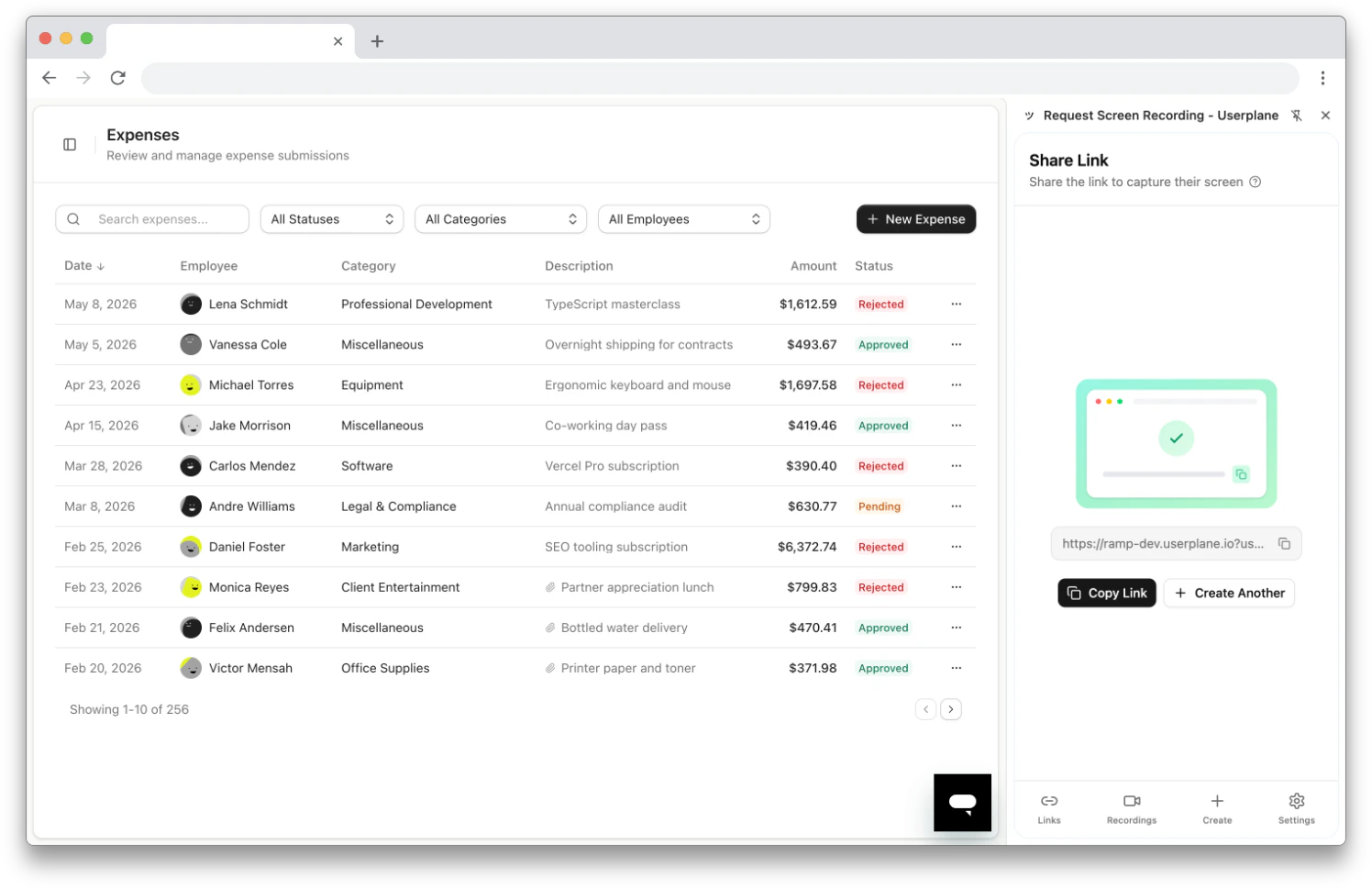
If your team uses a help desk other than Intercom or Zendesk — Freshdesk, HubSpot, Help Scout, Salesforce Service Cloud, or any other browser-based tool — the Userplane Chrome extension provides the same core workflow: create recording links, manage links, and view recordings from a side panel that works alongside any tab.
Enable Prefill Reference — in extension settings, keep this toggle on so the ticket URL is captured automatically every time you create a link.
Use reusable links with templates — create reusable recording links and embed them in your help desk’s canned responses, macros, or templates.
Use the omnibox for fast access — type userplane in the Chrome address bar, press Tab, type a ticket number or customer name, and press Enter. See Chrome Extension Shortcuts.
Organize by project — assign links to projects so recordings are easy to filter by team, product area, or customer segment.