

What is a reference?
A reference is a free-text field on a recording link. You can enter anything that helps you identify the recording:- A Jira ticket number:
JIRA-456 - A GitHub issue URL:
https://github.com/org/repo/issues/123 - A Zendesk ticket ID:
ZD-78901 - A customer name or internal identifier
Adding a reference
When creating a recording link manually, enter the reference in the Reference field. References are optional — you can leave the field blank. When using Userplane native integrations like Intercom to create recording links, the reference is automatically populated with the relevant ticket or conversation identifier. No additional input is needed. In Slack, you can pre-fill the reference by passing text directly in the slash command — for example,/userplane TICKET-1234 opens the modal with that text already in the Reference field.
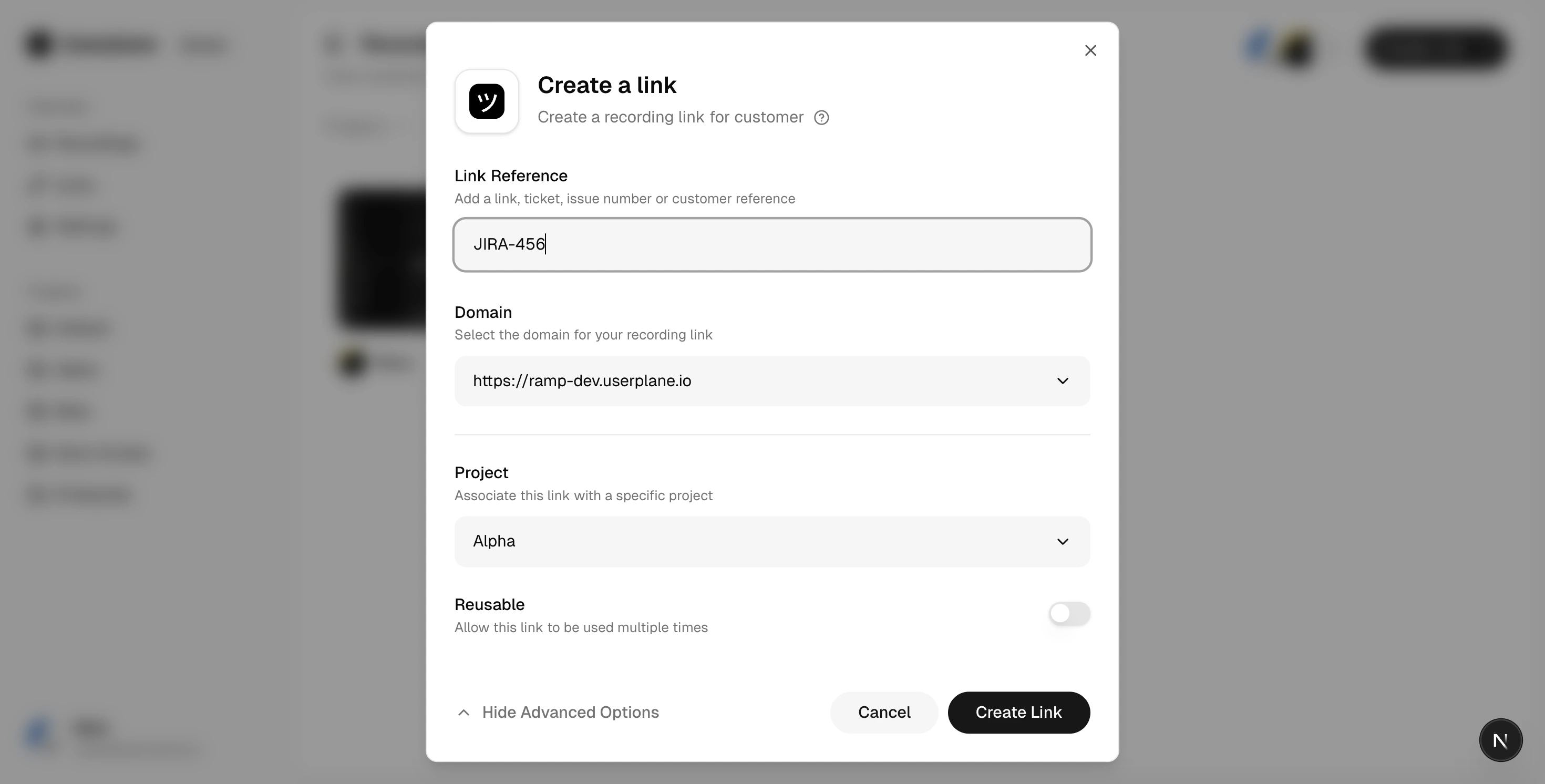
Reference field in Create Link
Finding recordings by reference
References appear in the recording list and detail views. You can use the search and filter controls on the Recordings and Links pages to find links and recordings by their reference. Additionally, Userplane uses these identifiers for recording and integration metadata.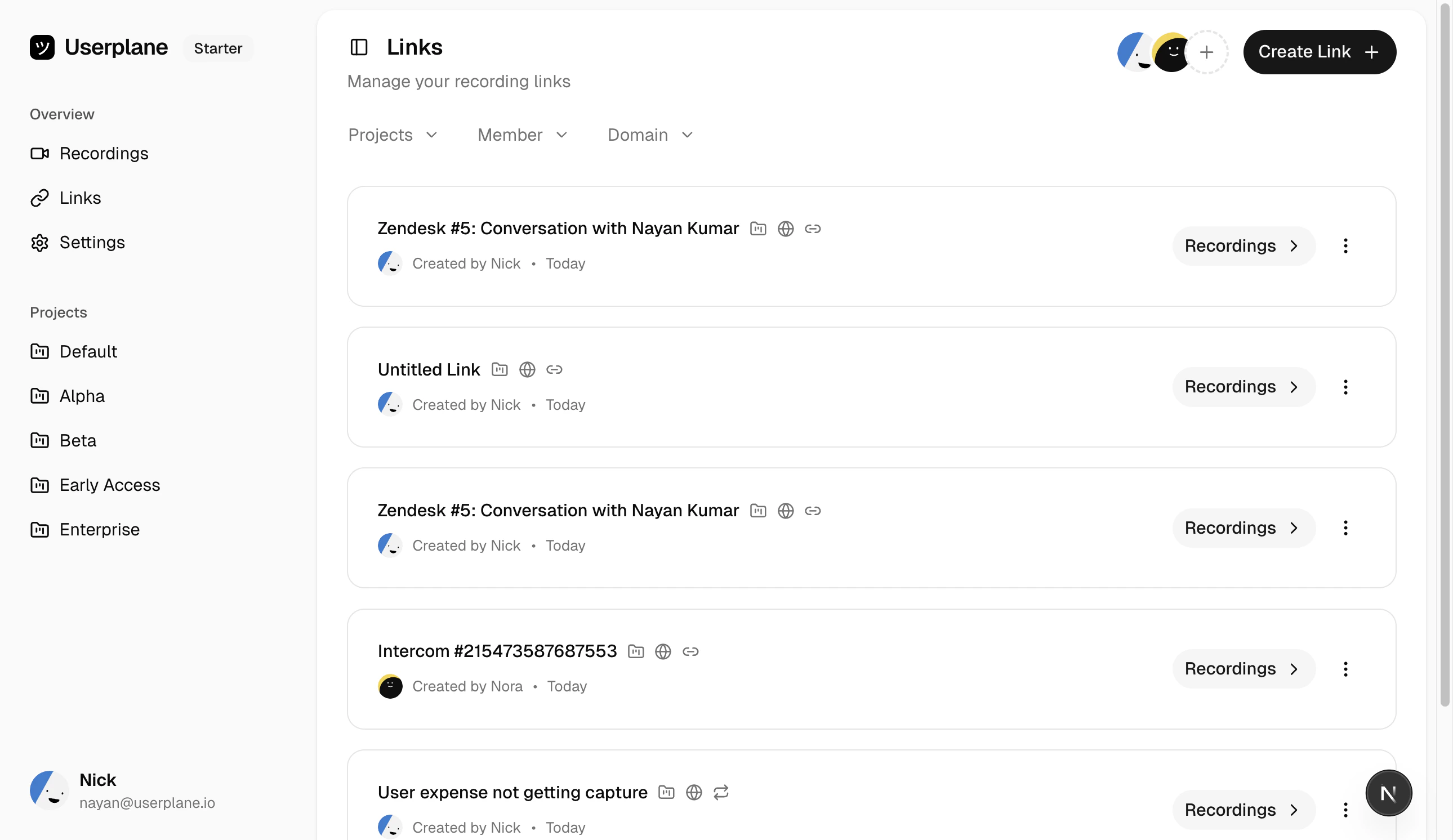
Links list with references