

Adding the script
The fastest way to add Userplane is the CDN embed. Add these two tags to the<head> of your index.html at the project root:
YOUR_WORKSPACE_ID with your workspace ID. You can copy the exact snippet with your ID pre-filled from Workspace Settings > Domains in the Userplane dashboard.
Vite serves index.html as the entry point for SolidJS SPAs, so any tags placed in <head> load before the application mounts. Place the tags as early as possible — the Userplane script can only capture console logs and network requests that occur after it initializes.
npm SDK
Use the npm SDK when you need programmatic control — triggering recordings from a button, attaching user metadata, or reading recording state.Installation
Initialization
Create aUserplaneProvider component and wrap your app with it in index.tsx.
onMount runs once after the component mounts in the browser, making it the equivalent of React’s useEffect(() => {}, []). Because Vite SolidJS apps are client-side rendered, a static import at the top of the file works — no dynamic import() or SSR guards are needed.
SolidStart (SSR)
If you are using SolidStart (the SSR meta-framework), there is no rawindex.html. Use a dynamic import() inside onMount to ensure the SDK only initializes in the browser:
src/app.tsx.
SolidJS does not yet provide a built-in
<Script> component for head management. The @solidjs/meta package supports <Title>, <Meta>, and <Link> but not <Script>. Use onMount with document.createElement or the CDN embed in index.html instead.URL parameters
When a customer opens a recording link, Userplane appendsuserplane-token and userplane-action to the URL. If your SolidStart app uses a middleware or route guard that redirects users, carry the userplane- prefixed parameters through the redirect:
Sensitive data
Adddata-userplane-blur to any element you want blurred in recordings. See Sensitive Data Redaction for the full reference.
Metadata
Callset() after initialize() to attach user context to recordings:
Example app
A complete SolidJS example is available at github.com/userplanehq/userplane-sdk-examples/tree/main/examples/solid.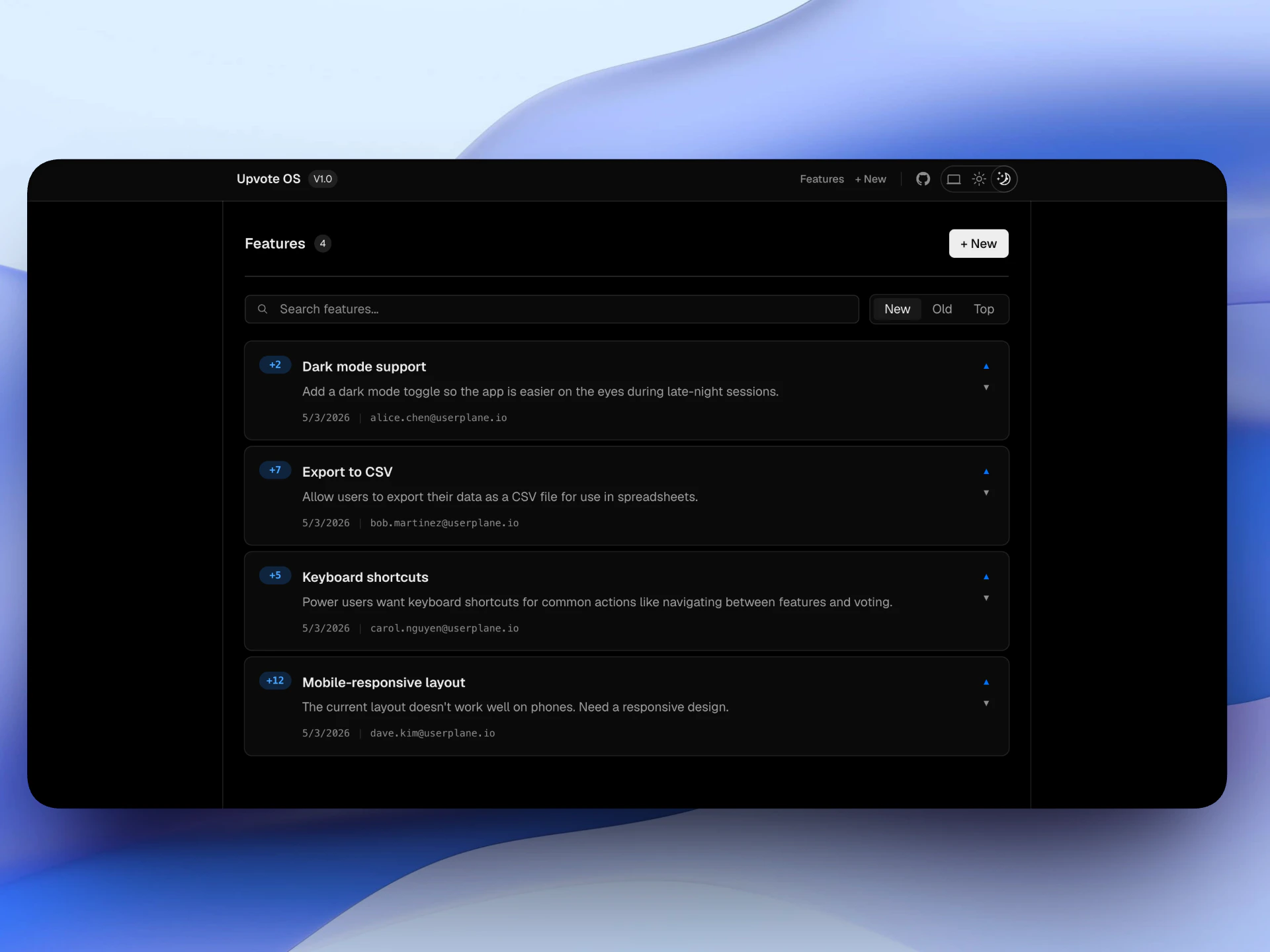
Example app
Related articles
- Installation — CDN script placement, CSP, and redirect handling.
- Web SDK — full SDK API reference.
- Metadata SDK — attach user context to recordings.
- Sensitive Data Redaction — blur sensitive content in recordings.