

Adding the script
The fastest way to add Userplane is the CDN embed. Add these two tags to the<head> in nuxt.config.ts:
npm SDK
Use the npm SDK when you need programmatic control — triggering recordings from a button, attaching user metadata, or reading recording state.Installation
Initialization
Create a plugin file with the.client.ts suffix. Nuxt only runs .client.ts plugins in the browser, so no additional SSR guard is needed.
.env file:
NUXT_PUBLIC_* environment variables to runtimeConfig.public.*.
URL parameters
When a customer opens a recording link, Userplane appendsuserplane-token and userplane-action to the URL. If your app uses Nuxt middleware to redirect unauthenticated users, preserve the userplane- prefixed parameters through the redirect:
Sensitive data
Adddata-userplane-blur to any element you want blurred in recordings. See Sensitive Data Redaction for the full reference.
Metadata
Callset() inside the plugin after initialize():
SSR
The.client.ts suffix tells Nuxt to exclude this plugin from the server bundle entirely. You do not need ssr: false in nuxt.config.ts or any process.client guards inside the plugin.
@userplane/sdk is SSR-safe to import — it does not reference window or document at module evaluation time. The dynamic import('@userplane/sdk') inside the plugin is an optional optimization; a static import also works.
Example app
A complete Nuxt 3 example is available at github.com/userplanehq/userplane-sdk-examples/tree/main/examples/nuxt.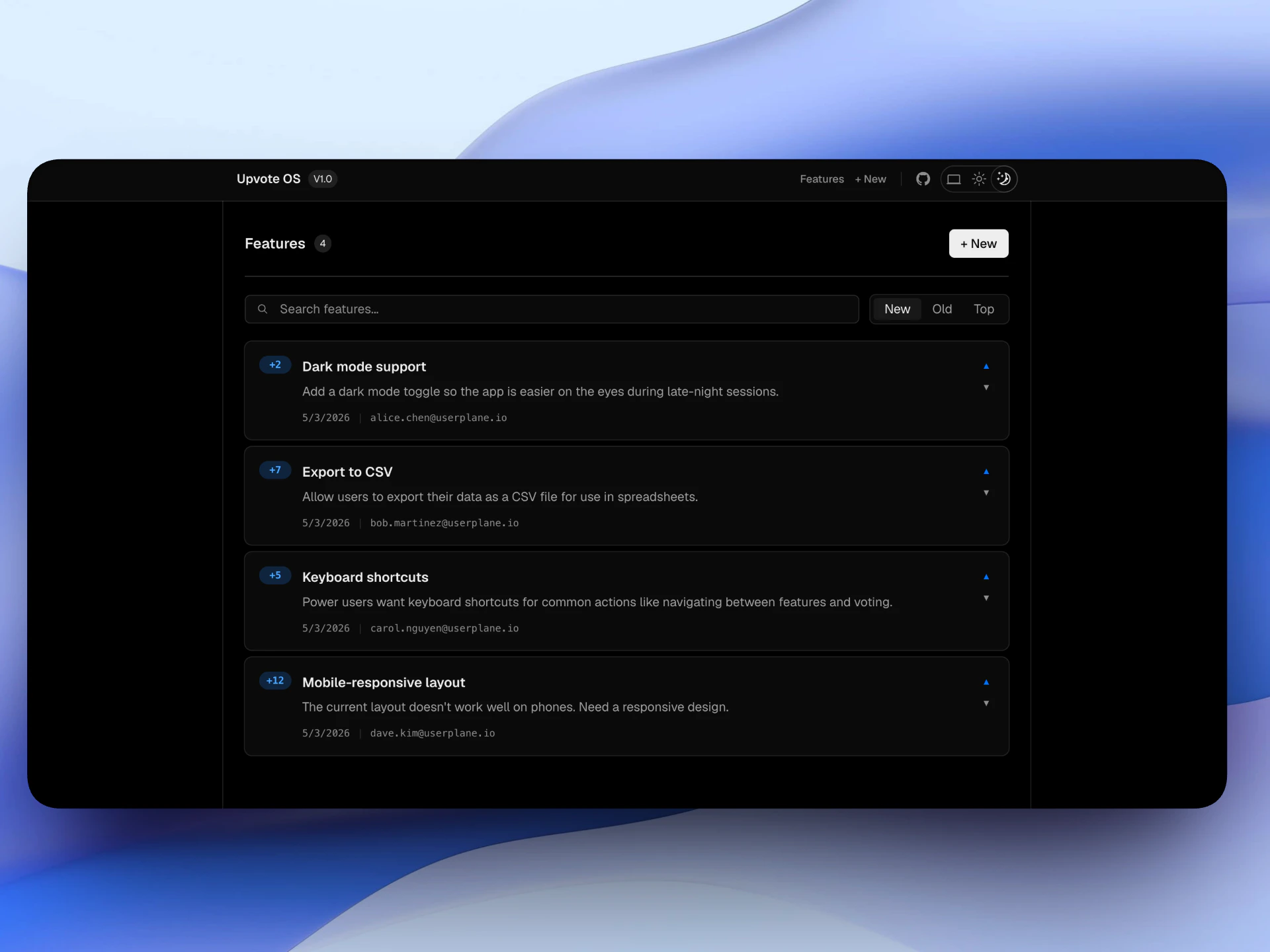
Example app
Related articles
- Installation — CDN script placement, CSP, and redirect handling.
- Web SDK — full SDK API reference.
- Metadata SDK — attach user context to recordings.
- Sensitive Data Redaction — blur sensitive content in recordings.