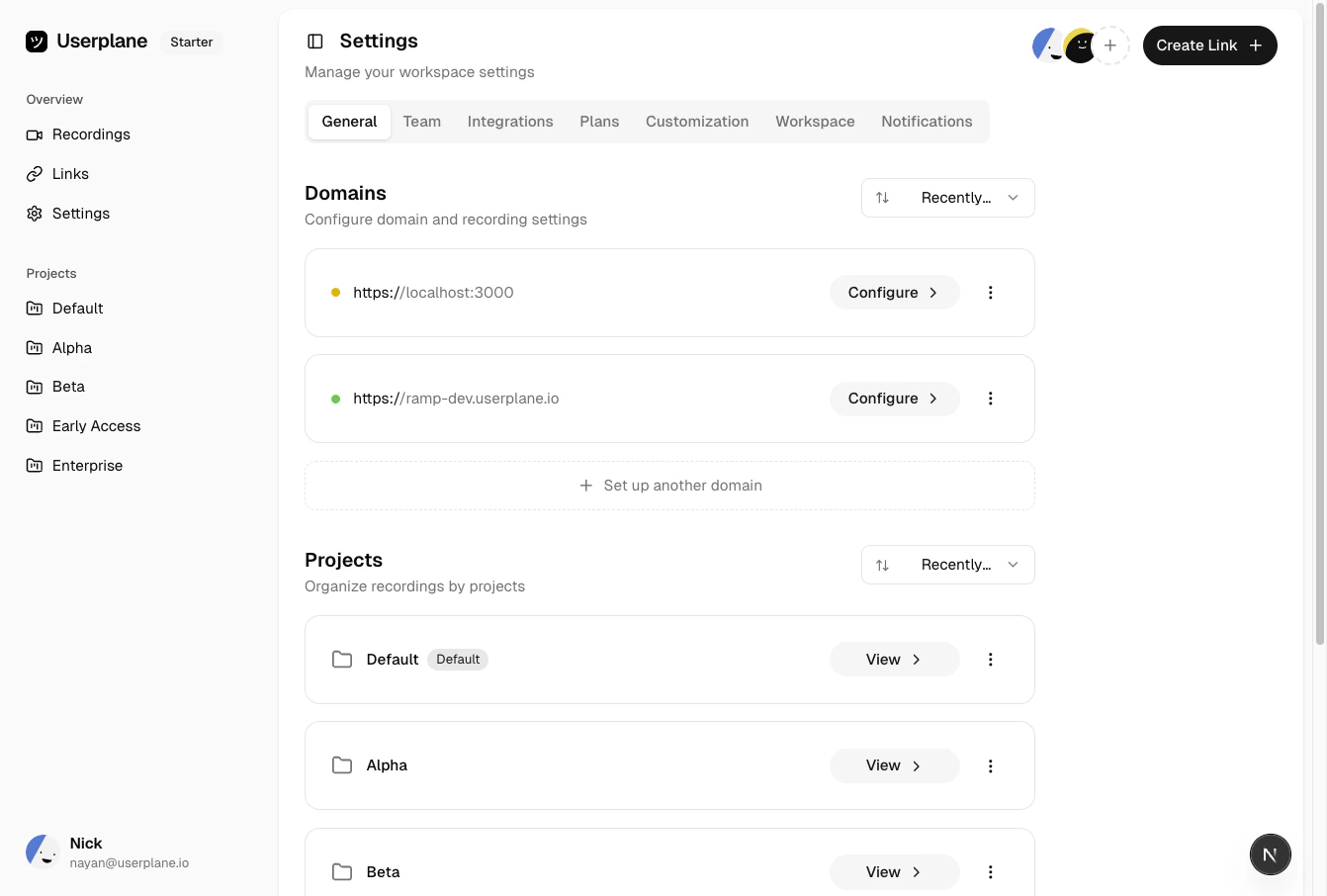
Go to Workspace Settings > Domains to see all domains. Each domain shows its name, status indicator, and creation date. Sort the list by name, status, or creation date to find what you need.
Domain list
Look for the colored status dot next to each domain — a yellow dot means the domain is pending
verification, and a green dot means it’s verified and ready to use.
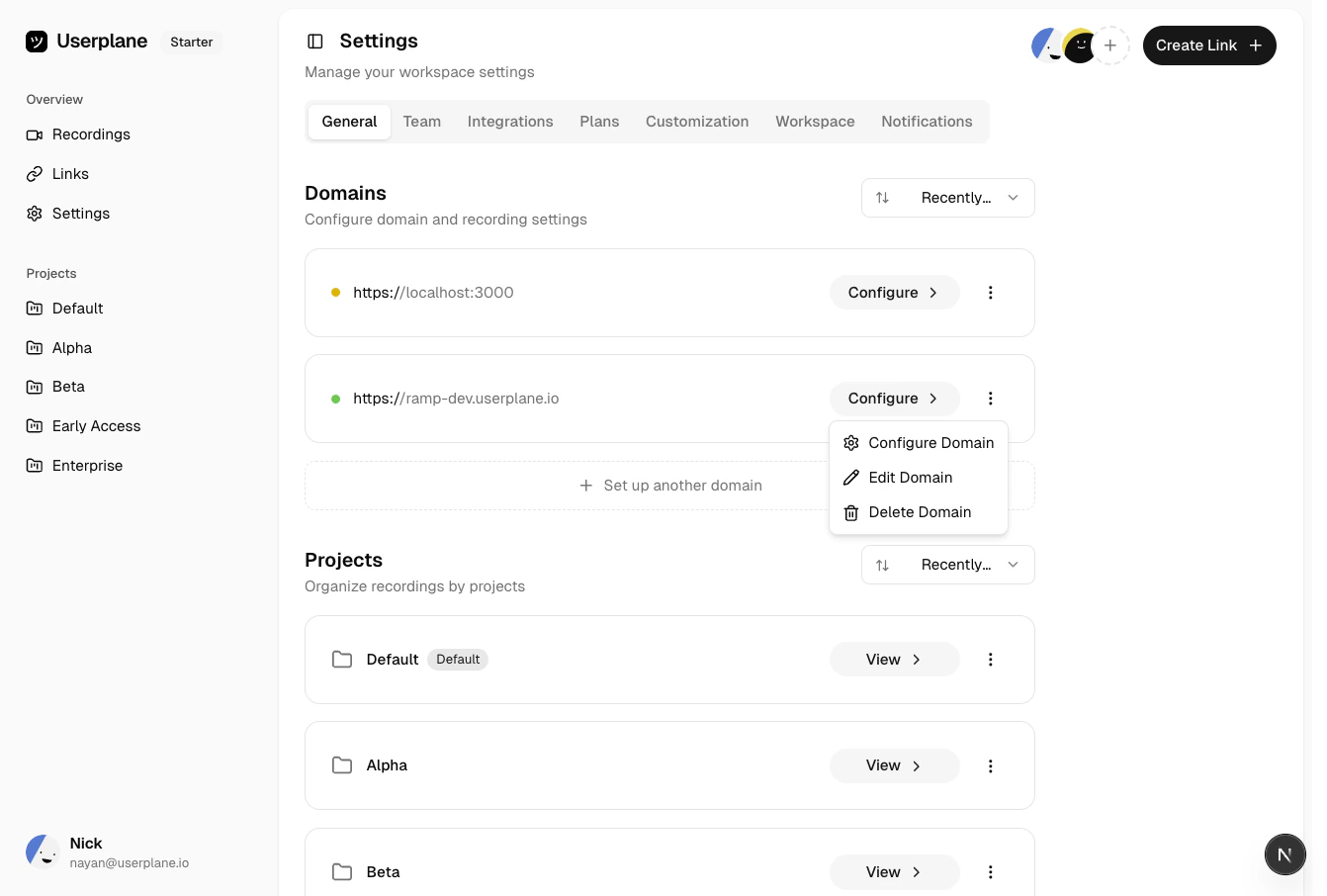
Find the domain in the list and click the menu icon.
Domain actions menu
2
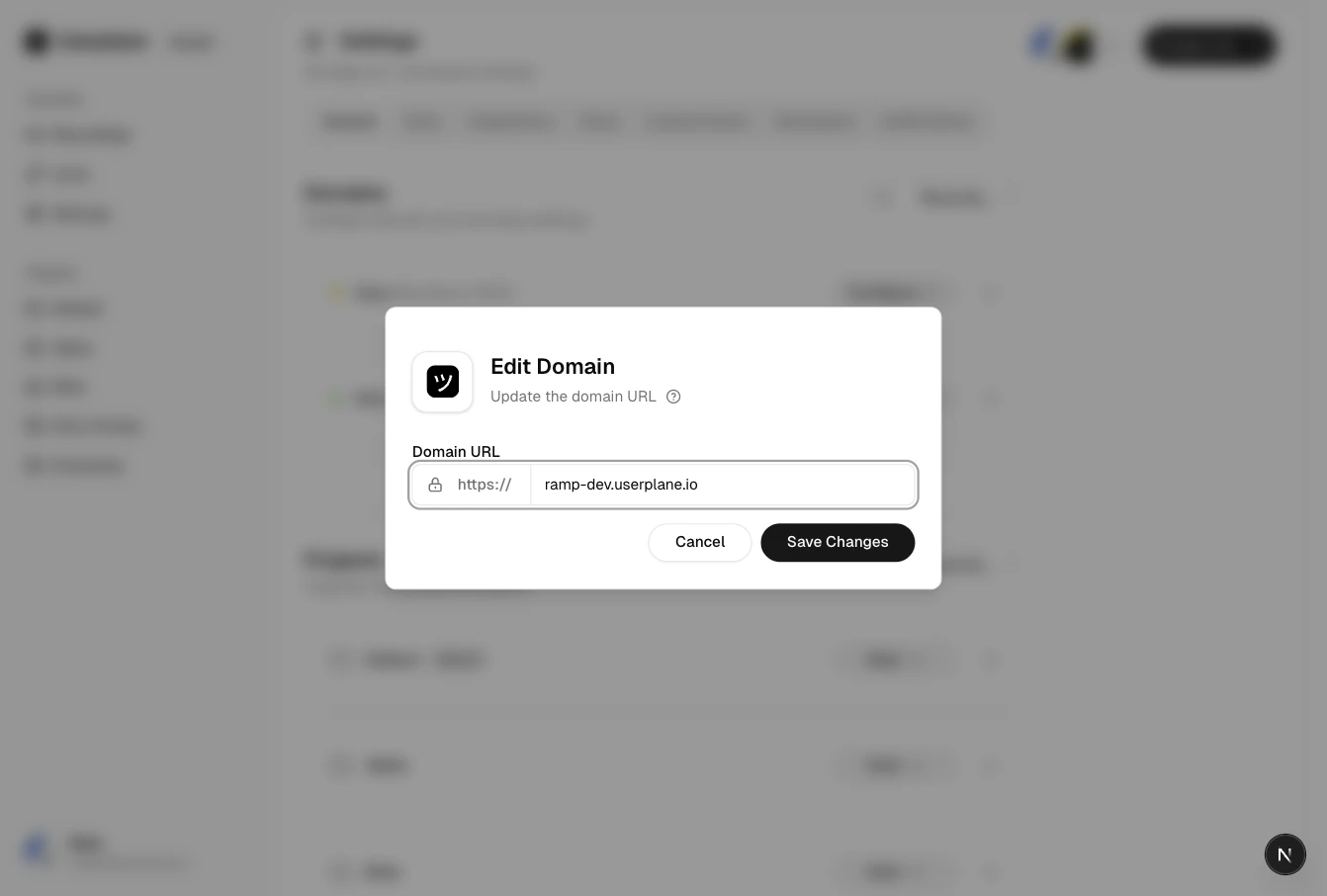
Edit domain details
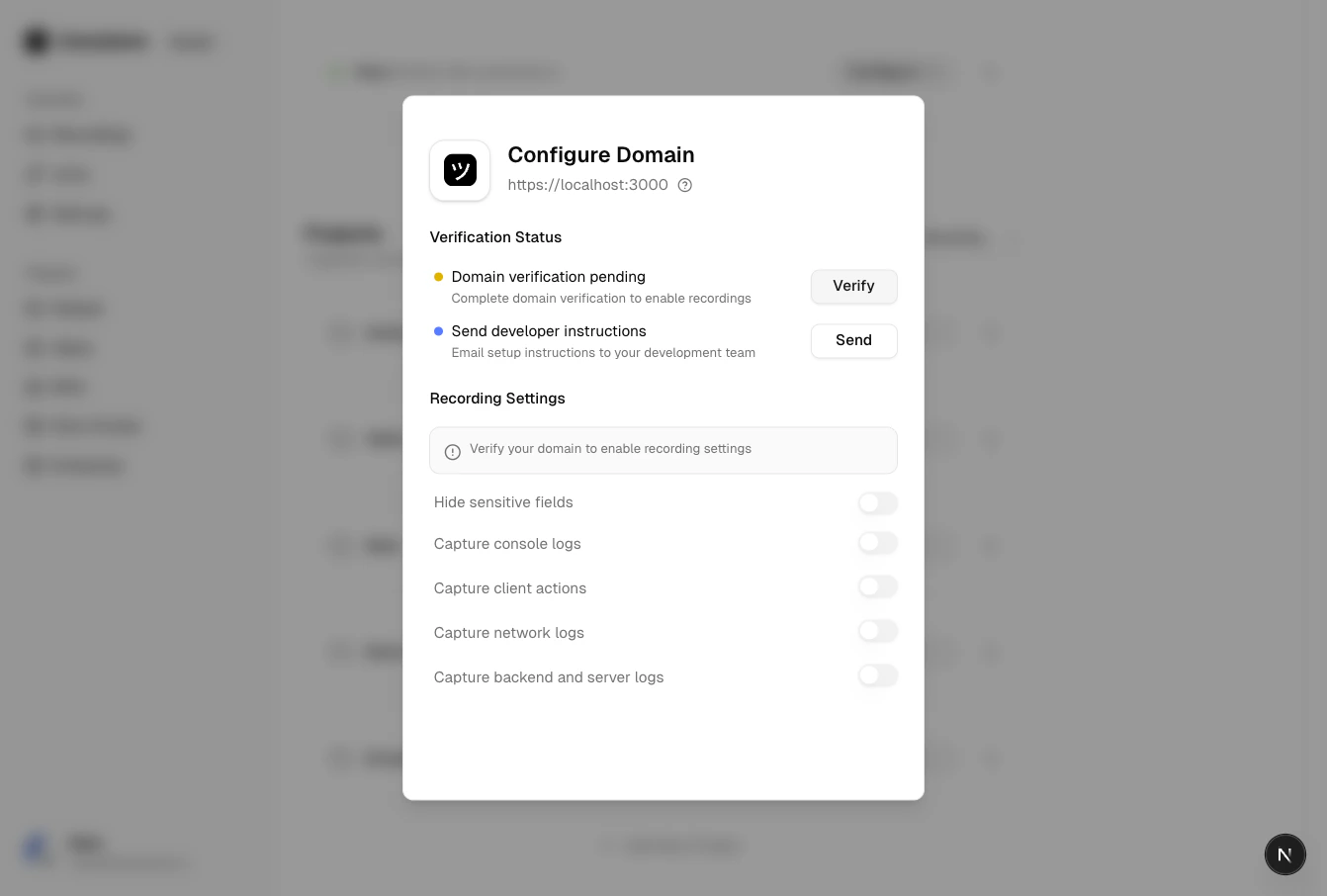
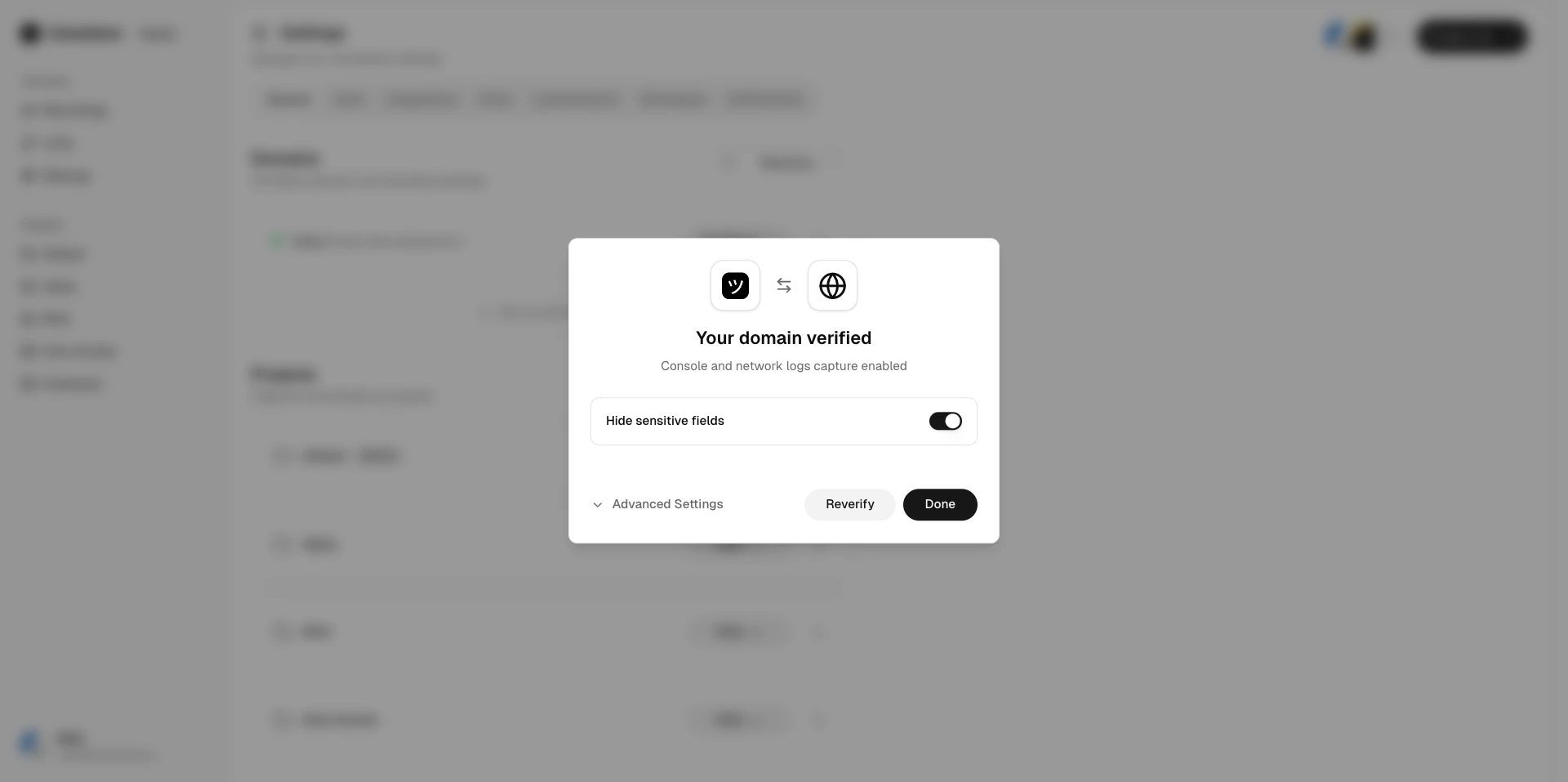
View the current verification status, trigger re-verification if the domain is pending or revoked, or access domain recording preferences for verified domains.
Find the domain in the list and click the menu icon.
Domain actions menu
2
Click Delete
Select Delete and confirm.
Deleting a domain removes it from your workspace. Existing recording links that use this domain
will no longer be branded, but the links and recordings themselves are preserved.