

How to leave
1
Open Account Settings
Go to Account Settings.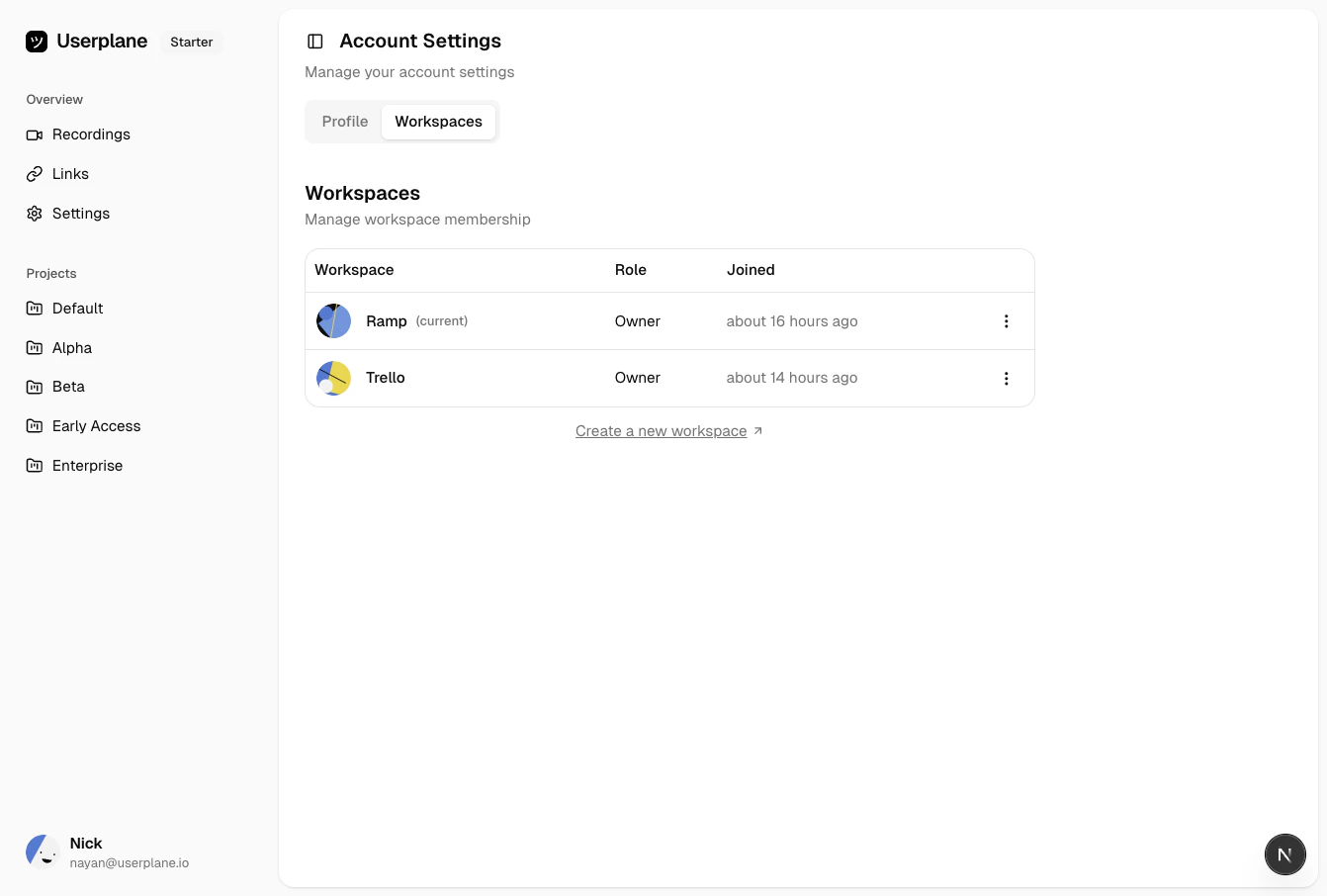
Account workspaces
2
Find the workspace
Find the workspace you want to leave.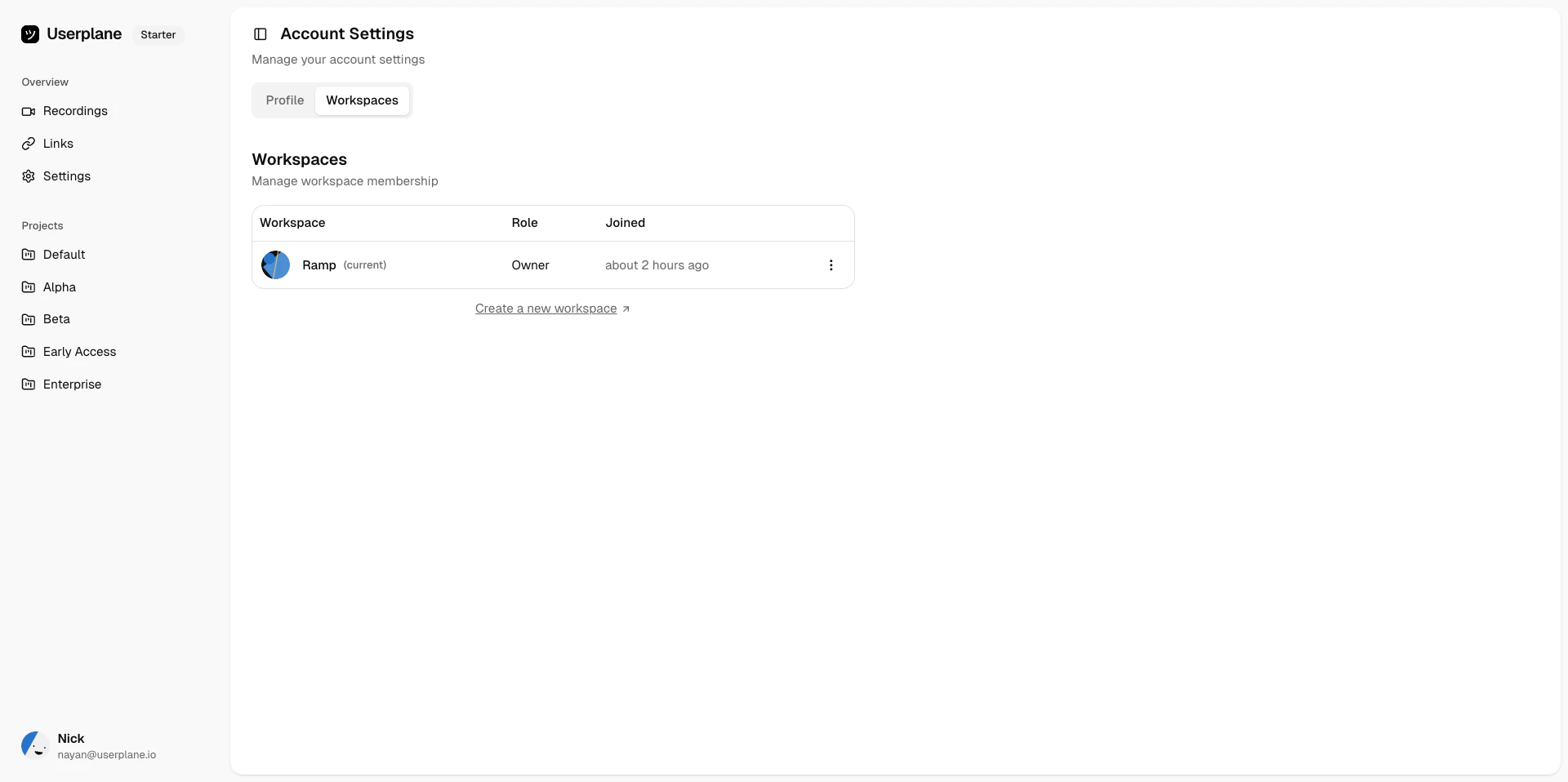
Workspace memberships
3
Leave
Click Leave Workspace and confirm.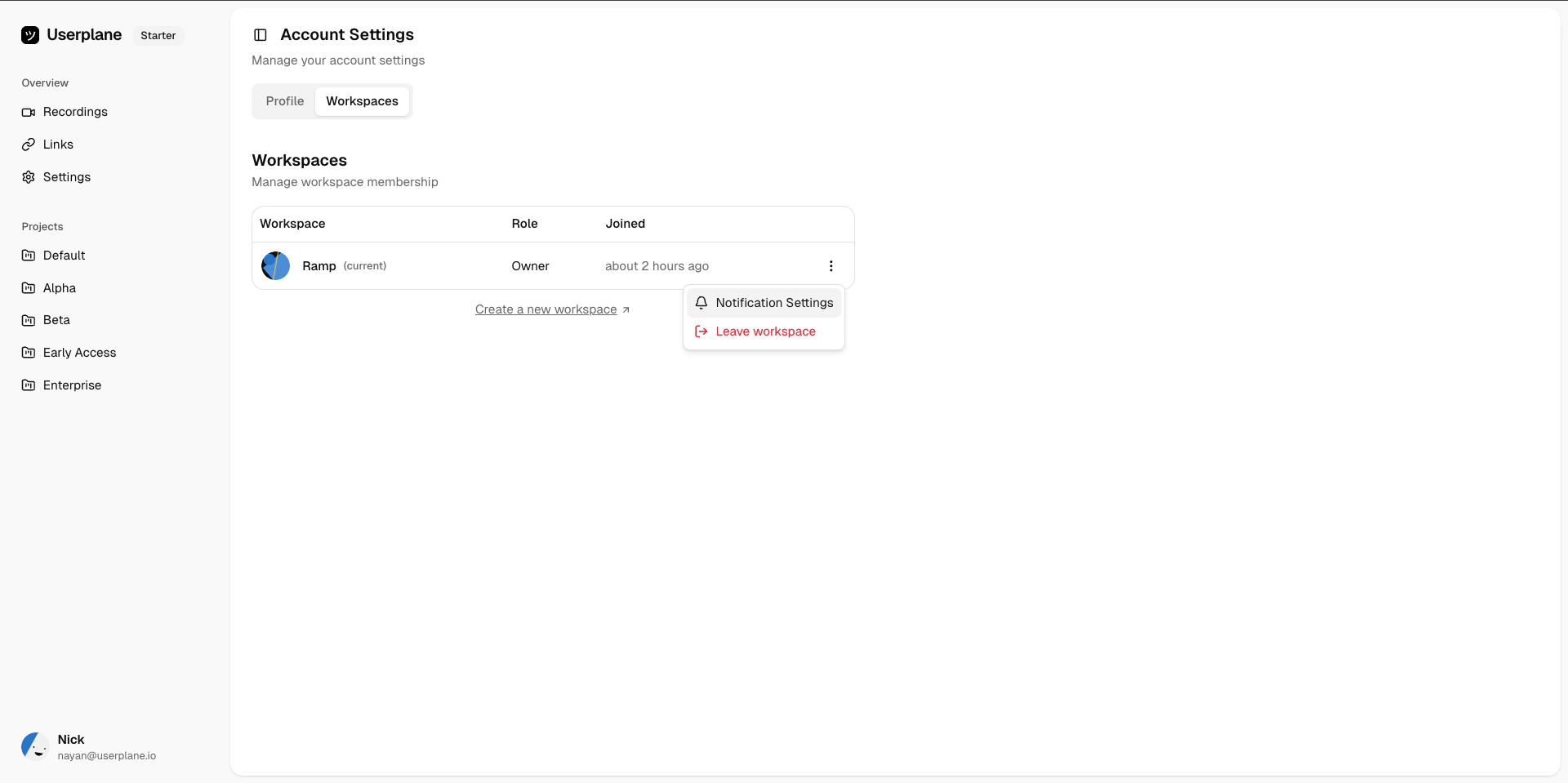
Leave workspace
What happens when you leave
- You lose access to the workspace immediately.
- Your past recordings and links remain in the workspace — they are not deleted.
- Other members can still view recordings and links you created.
- You are removed from the workspace member list.
Owner requirement
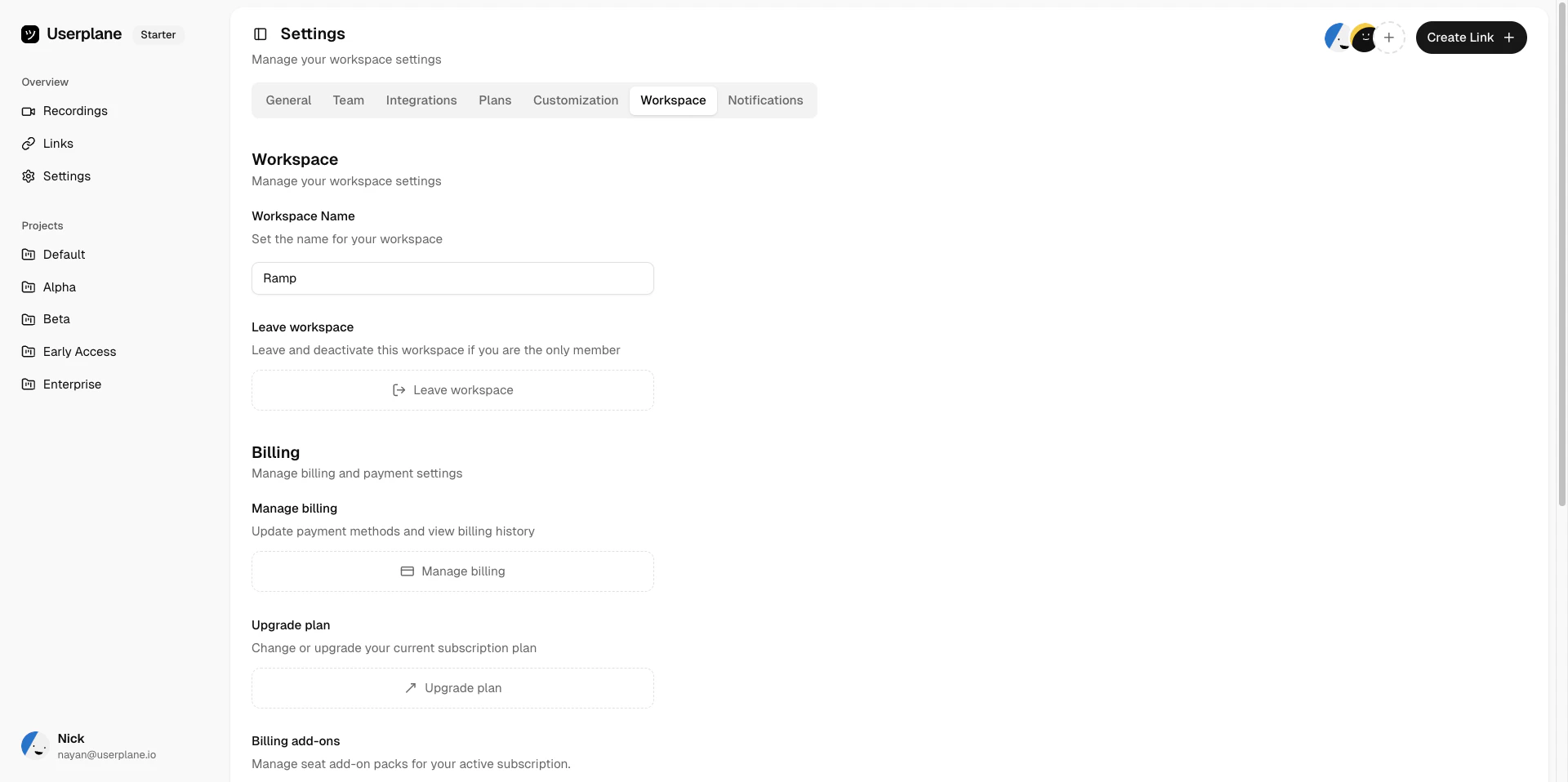
Leave workspace confirmation
- Go to Workspace Settings > Team.
- Select the member you want to make owner.
- Change their role to Owner.
- Once ownership is transferred, you can leave the workspace.
Rejoining
After leaving, you can rejoin the workspace depending on the invite policy:- Private — you need a new invitation.
- Whitelisted — you can rejoin directly if your email domain matches.
- Protected — you can request access again.