

1
Open the Developers tab
Navigate to Account Settings and select the Developers tab.If you don’t have any keys yet, you’ll see the empty state: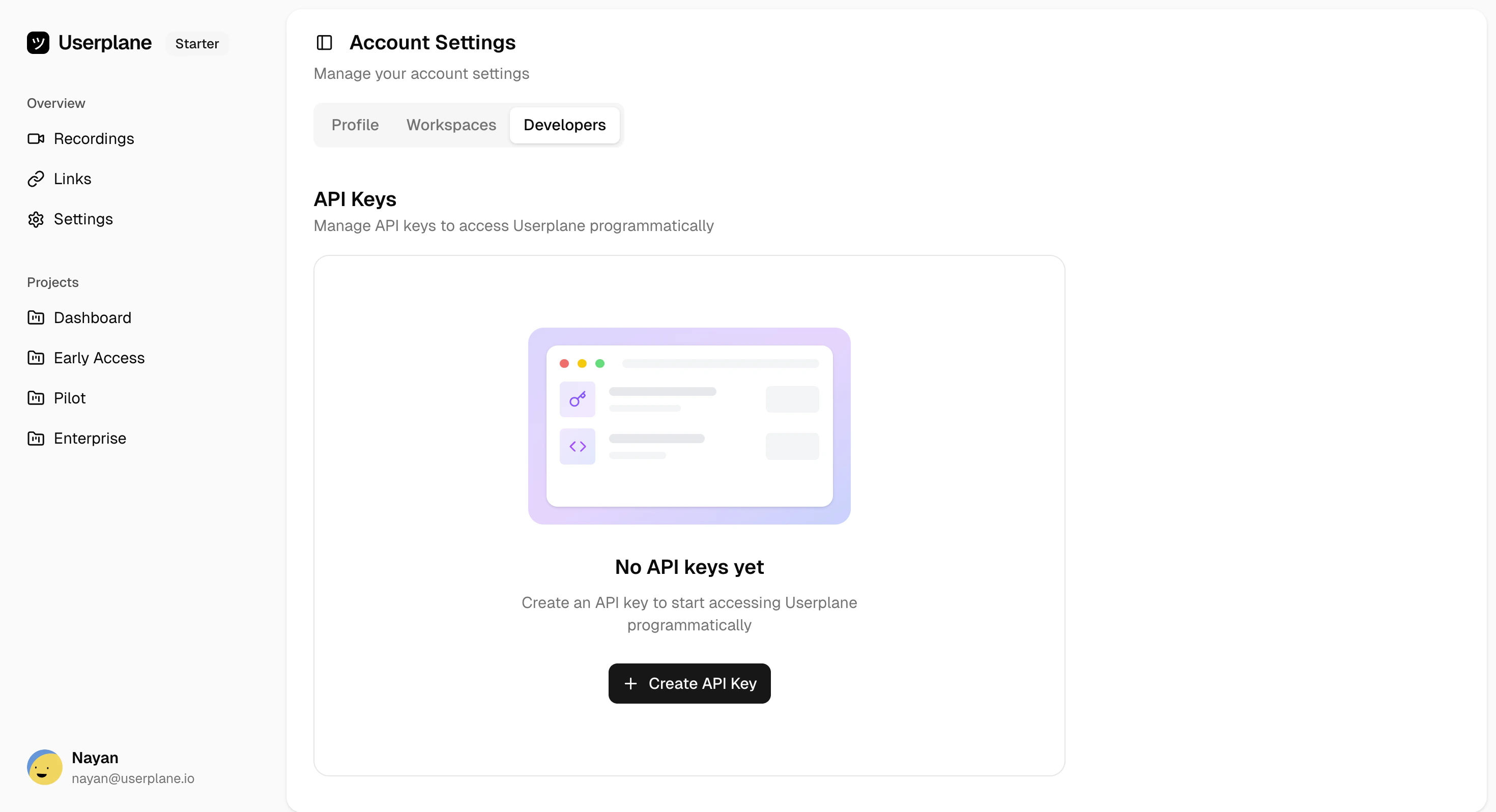
2
Click Create API Key
Click the + Create API Key button. You’ll be prompted to configure your key:
- Name (optional) — A label to identify the key (e.g., “CI Pipeline”, “Production API”)
- Expiration — Choose from: No expiration, 7 days, 30 days, 60 days, or 90 days
3
Copy your key
After creation, the full API key is displayed. Copy it and store it securely.Your new key will appear in the keys list: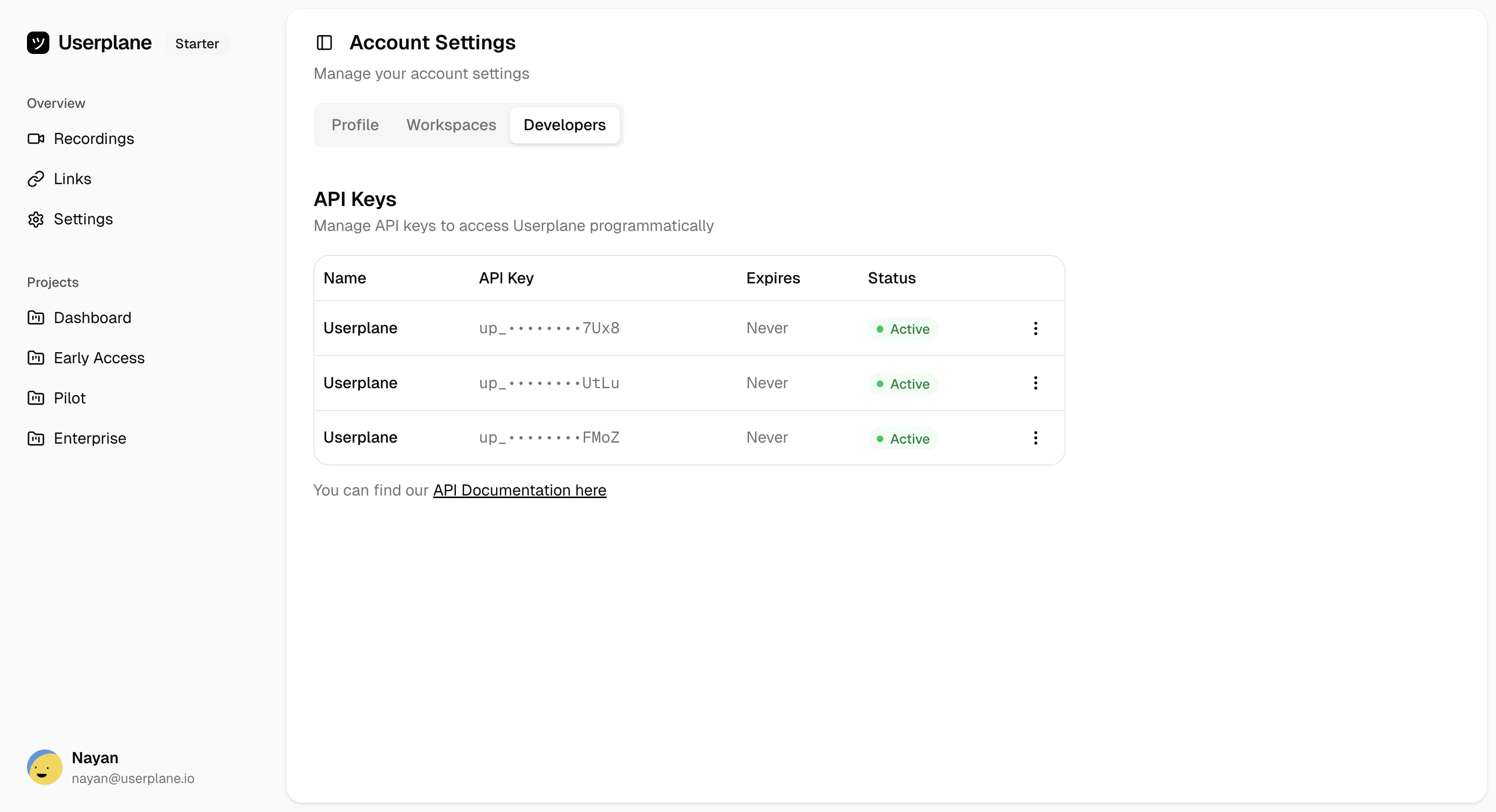
Key limits
Expiration options
Next steps
Once you have your key, authenticate API requests by including it as a Bearer token:Related
Manage API Keys
View and manage your existing keys
Rotate API Key
Replace a key without losing your slot
Quickstart
Make your first API call with your new key
Authentication
How to use your key in API requests